There is a specific kind of frustration that comes from standing in your own kitchen, saying "turn off the lights" for the third time, and watching nothing happen. I have spent enough years wiring up smart homes to tell you that when a voice assistant ignores you, it is almost never being stubborn. It is usually starved for signal, waiting on a distant server, or genuinely confused about what you asked for. Here is how to figure out which one is happening to you.
Start by Separating "Didn't Hear" From "Didn't Act"#
Before you change anything, you need to know where the breakdown is. Voice control is really two separate jobs stitched together: hearing you and doing the thing. They fail differently, and the fix for one won't touch the other.
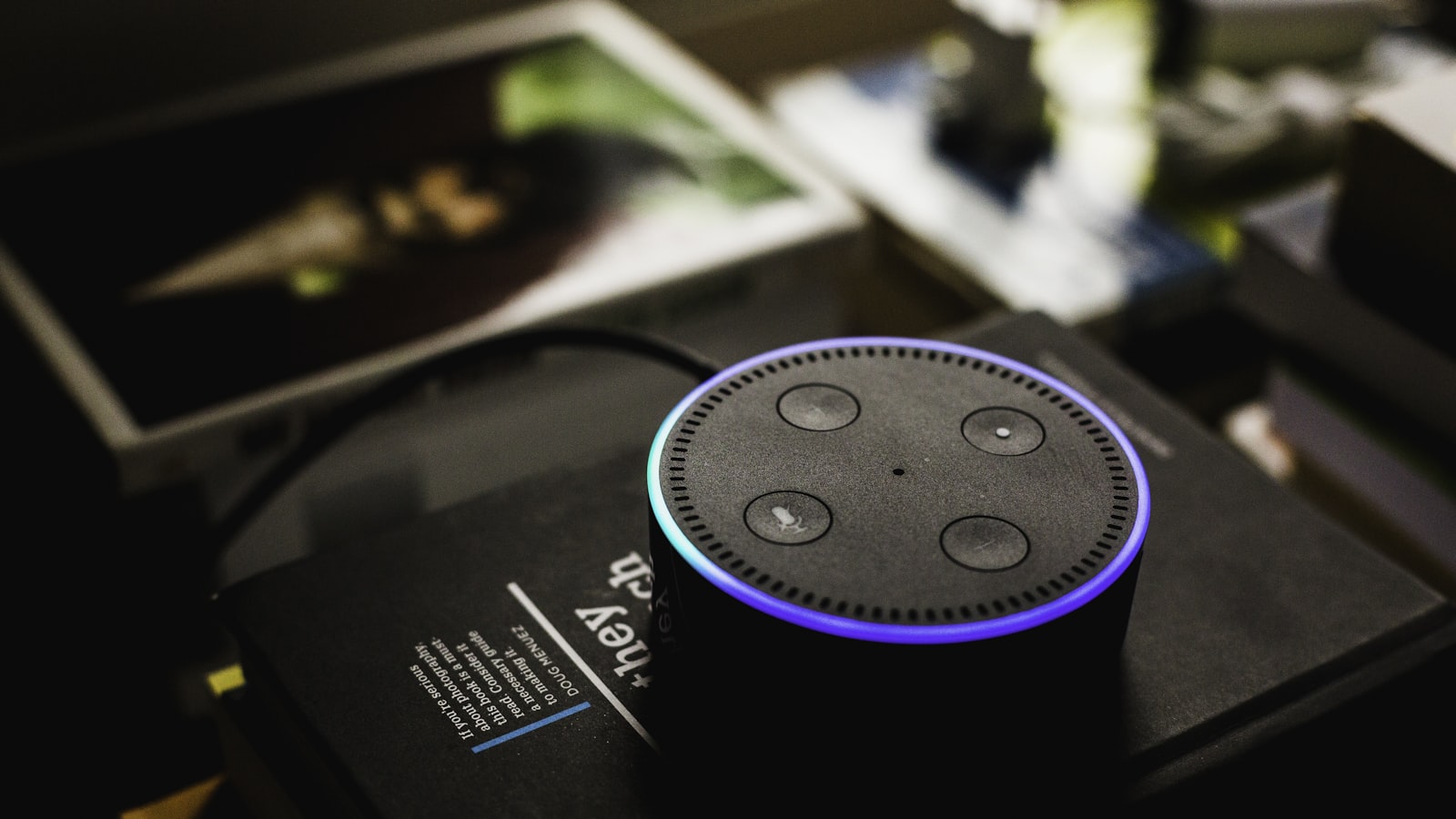
Watch the speaker's light ring or listen for its acknowledgment chime the next time a command fails. That tiny signal tells you a lot:
- The ring never lights up. The wake word didn't register. This is a microphone, distance, or background-noise problem, not an automation problem.
- The ring lights up, then the assistant says it doesn't understand. It heard audio but couldn't parse the command. This is usually a naming or phrasing issue.
- The assistant says "OK" or chimes, but nothing happens. The command was understood and sent, but the device didn't respond. Now you're looking at network lag or a device that dropped off Wi-Fi.
- The assistant says the device "isn't responding." The cloud tried to reach your device and timed out. Classic connectivity failure.
I ask people to run this observation five or six times before touching a setting. Patterns emerge fast. If it only fails when the dishwasher is running, you have a noise problem. If it only fails at night, you might have a router that's scheduling firmware updates at 2 a.m.
Weak Wi-Fi at the Speaker Is the Silent Culprit#
This is the single most common hidden cause I run into, and almost nobody suspects it because their phone shows full bars in the same room.
The catch is that smart speakers have small, cheap antennas compared to your phone. A speaker tucked behind a microwave, inside a media cabinet, or on the far side of the house from the router can technically be "connected" while dropping packets constantly. When that happens, the command reaches the assistant fine, but the round-trip to the cloud and back stutters.
How to check it#
Most ecosystems bury a signal reading in the device settings. Open the speaker's entry in your app and look for a Wi-Fi signal strength or connection quality field. If it reads "weak" or "poor," you've likely found your problem. You can also do the low-tech test:
- Move the speaker to the same room as your router temporarily.
- Run your ten most common commands.
- If latency vanishes, the original location was the issue.
What actually helps#
- Move the speaker into open air. Even shifting it off a metal shelf or out from behind a TV can restore a solid connection.
- Add a mesh node if the speaker lives more than a room or two from your router. This does more for voice reliability than almost any other upgrade.
- Use the 2.4 GHz band for far-flung devices. It's slower but reaches farther and through walls better than 5 GHz. Many smart-home gadgets prefer it anyway.
The trade-off with 2.4 GHz is congestion, especially in apartments where dozens of networks overlap. If everything is slow on that band, changing your router's channel can clear things up.
Cloud Round-Trips Are Why "Instant" Isn't#
Here's the part people find genuinely surprising. When you say "turn on the lamp," in many setups that request travels from your speaker to a data center, gets interpreted, then routes to the lamp manufacturer's separate cloud, which finally sends a signal back down to your lamp. That's two internet round-trips before a single photon of light appears.
On a good day you don't notice. On a bad day, or with a slow integration, you get that maddening one-to-three-second pause. And if any link in that chain is having a rough afternoon, the command fails outright.
Local execution changes everything#
The fix is to keep as much of the decision-making inside your house as possible. Local control means the command is interpreted and executed without leaving your network, or with minimal cloud involvement.
A few practical routes toward local:
- Choose devices that support a local hub or a common local protocol rather than pure Wi-Fi-plus-cloud gadgets. Devices that speak to a hub in your home tend to respond noticeably faster.
- Look at ecosystems that added on-device processing. Some newer speakers can handle common commands like lights and timers locally, so the audio never leaves the room. When a platform offers this, turn it on.
- Consider a local-first automation platform if you're technical and tired of cloud outages dictating whether your lights work. This is a bigger commitment, but it's the most durable fix.
I'll be honest about the trade-off: local setups take more effort up front, and some features still require the cloud. But the difference in responsiveness is the kind of thing you feel every single day.
Bad Device Names Confuse the Parser#
The assistant can only act on what it can cleanly match. If you named a bulb "Chris's Reading Lamp (Left)" during setup, you've handed the parser a puzzle. It has to strip punctuation, guess at the apostrophe, and decide whether "left" is part of the name or a direction.
Rename for the machine, not for you#
- Keep names to one or two plain words. "Desk lamp." "Porch." "Fan."
- Drop apostrophes, parentheses, and abbreviations. They create ambiguity.
- Avoid names that sound like commands or other devices. A device called "Office" plus a room called "Office" makes the assistant guess.
- Don't reuse words across rooms unless you also rely on room grouping. Three things called "light" in different rooms invites the wrong one to turn on.
I also tell people to match the name to how they actually talk. If you'd naturally say "kill the kitchen light," name it "kitchen light," not "overhead LED strip." The assistant is matching your everyday speech, so meet it there.
Watch out for accents and homophones#
Voice recognition still stumbles on names that share sounds with common words. If "Aria" the lamp keeps triggering something about the "area," rename it. This isn't a failing on your part. It's just how speech models collapse similar sounds, and a different name sidesteps the whole problem.
Group Devices So One Phrase Does More#
A lot of "it ignored me" moments are really "it did one of the three things I meant." If your evening routine is turning off three lamps, you're giving the assistant three chances to mishear or lag.
Instead, build a group or scene and trigger it with a single short phrase:
- Put all the living-room lights into one group called "living room" so "living room off" handles everything at once.
- Create a scene like "movie" that dims lights, and label it with a word you won't say by accident.
- Keep the trigger phrase short. "Goodnight" beats "activate my bedtime routine sequence" every time, because there's less to mishear.
The reliability gain here is real: one command that succeeds beats three that might each fail. It also masks minor lag, because the assistant fires the whole scene in one shot rather than negotiating each device separately.
A Quick Diagnostic Order That Works#
When someone hands me a misbehaving setup, I work through it in this order, cheapest fix first:
- Reboot the speaker and the specific device. Boring, but it clears a startling number of dropped connections.
- Check the speaker's Wi-Fi signal. Relocate if it's weak.
- Rename any device with a long or punctuated name. Test the new name.
- Group multi-device commands into a scene. Shorten the trigger phrase.
- Move toward local control for anything that's still laggy after the above.
- Only then suspect the assistant itself. It's rarely the actual problem.
The reason for the order is simple: the early steps cost nothing and fix the majority of cases. Reaching for a whole new platform before you've moved the speaker off a metal shelf is solving the wrong problem expensively.
The Bottom Line#
A voice assistant that ignores you is giving you data, not attitude. The dead light ring points to microphones and distance. The "OK" followed by silence points to your network and the long cloud journey your command is taking. The "I don't understand" points to a name only a human could love. Fix the Wi-Fi at the speaker, keep device names short and spoken-plain, group your routines behind one word, and push execution local wherever you can. Do that, and the gap between speaking and seeing your lights respond shrinks to the point where you stop noticing it, which is exactly the point.